Business details and logo save here for your next invoice.
02
Write your bill
Start with “[Heading] to [Client Name]”, e.g. Quote to Alex. Replace Books or Pen with your item.
Invoice options
Choose Tax added or Tax included inside + Tax.
Item tax, extra costs & discounts
Add tax in the first line:
Invoice to Acme with 15% GST exclusive
Set item rates and named extra costs:
2 x Pencil @100 T5% Code[001234]
2 x Paneer @100 T12%
Shipping Cost @500
Insurance Charge @300
Installation Cost @350
GST on Shipping Cost @18%
Discount @20%
Use a quantity for an item, e.g. 1 x Service @500. A name without a quantity, e.g. Service @500, creates an extra cost. T0% means no item tax. A blank item tax uses the invoice default. “No Tax” removes every tax. Tick Item-wise tax below Tax calculation to show item rates. The Tax Code column appears when enabled or included in your prompt. Discounts reduce items before tax; extra costs are not discounted and are taxed only when you add their tax. Tax names in these examples are editable labels. Add Code[001234] to an item for a product or service code. Click the Code or Tax column heading to rename it, for example HSN/SAC or GST. Each tax cell shows the rate and calculated line tax.
Your business stays your business. Invoice details stay in your browser. No account. No uploading your data.
Live preview A4 document
Edit the invoice below. On a small screen, swipe across to see every column.
My Business
Invoice
Invoice No:
INV-001
Date:
2026-09-22
Due Date:
Upon receipt
Billed To
Acme Ltd
Client Address & Contact Details
Status
Unpaid
#
Item Description
Tax Code
Qty
Unit Price
Taxable
Tax
Amount
Amount in words
Tick Item-wise tax to edit each rate; a blank rate uses the default. Taxable excludes tax after item discounts. Amount includes tax and item discounts. Extra costs are separate.
Subtotal
0.00
Tax10% Excl.
0.00
Discount
-0.00
Total
0.00
Payment details & QR (optional)
PNG, JPG or WebP · Up to 2 MB. Use a reusable QR without a fixed amount; the code will not change with your invoice total.
Saved in this browser and reused on new invoices. You can edit or remove these details anytime.
Payment details
Scan to pay
Authorized Signatory
Notes
Thank you for your business!
Terms & Conditions
Payment is due within the agreed payment terms.
Tap or click any invoice detail to edit
Ready when you are.Your professional invoice, one click away.
The Ghana invoice generator for freelancers & businesses
A simpler way to bill clients in Ghana and internationally. Create professional commercial invoices, export bills for freelance tech contracts, and service billing statements in Ghanaian Cedis (GH₵ / GHS) with your Ghana Card PIN / TIN, Mobile Money (MoMo) details, and applicable GRA VAT / Levies, ready to download as a clean PDF.
Whether you are a freelance software developer in Accra billing foreign clients, a creative studio in Kumasi, a contractor delivering consultancy across Takoradi, or a registered Ghanaian SME issuing domestic bills, InvoiceMove calculates your totals, formats your tax identifiers, and prepares clean PDF invoices without requiring any signup or account.
What to include on a Ghanaian Invoice & Billing Statement
Document Heading: "Commercial Invoice", "Tax Invoice" (for GRA VAT-registered suppliers), or "Bill of Supply".
Your business identity: Full business/legal trading name, physical address, email, phone number, and Ghana Card PIN (for individuals/freelancers) or Corporate TIN (for registered companies).
Customer information: Client name, company name, address, and client Ghana Card PIN / TIN (for local business-to-business transactions).
Invoice metadata: Unique invoice number (e.g., INV-001) and issue date (DD/MM/YYYY).
Itemized breakdown: Detailed description of products or services, quantities, unit prices in Ghanaian Cedis (GH₵ / GHS), and line totals.
VAT & Levies breakdown: 15% standard VAT, combined 20% (15% VAT + 2.5% NHIL + 2.5% GETFund under VAT Act 2025/2026), or 0% "No Tax" for zero-rated IT and service exports.
Payment instructions: Mobile Money details (MTN MoMo Merchant ID / Agent number or personal wallet number, Vodafone/Telecel Cash, AirtelTigo Money) and bank wire information (Bank Name, Branch, Account Number, SWIFT/sort code).
How to create your GHS invoice
Add your business information: Enter your business or personal name, Accra/regional address, and Ghana Card PIN or Corporate TIN. Upload your logo for a crisp, professional finish.
Enter client information: Fill in your customer's name, billing address, and their TIN / Ghana Card PIN in the Local invoice & tax details section.
Add your line items: List your billable deliverables with quantities and rates in Ghanaian Cedis (GH₵).
Apply tax (if applicable): Set 15% standard VAT, 20% for combined standard VAT and statutory levies (NHIL & GETFund), or click "No Tax" (0%) for zero-rated exports or non-registered suppliers.
Add MoMo & payment terms: Include your MTN MoMo / Telecel Cash wallet or bank account details in Notes, set the payment due date, and download your free PDF instantly.
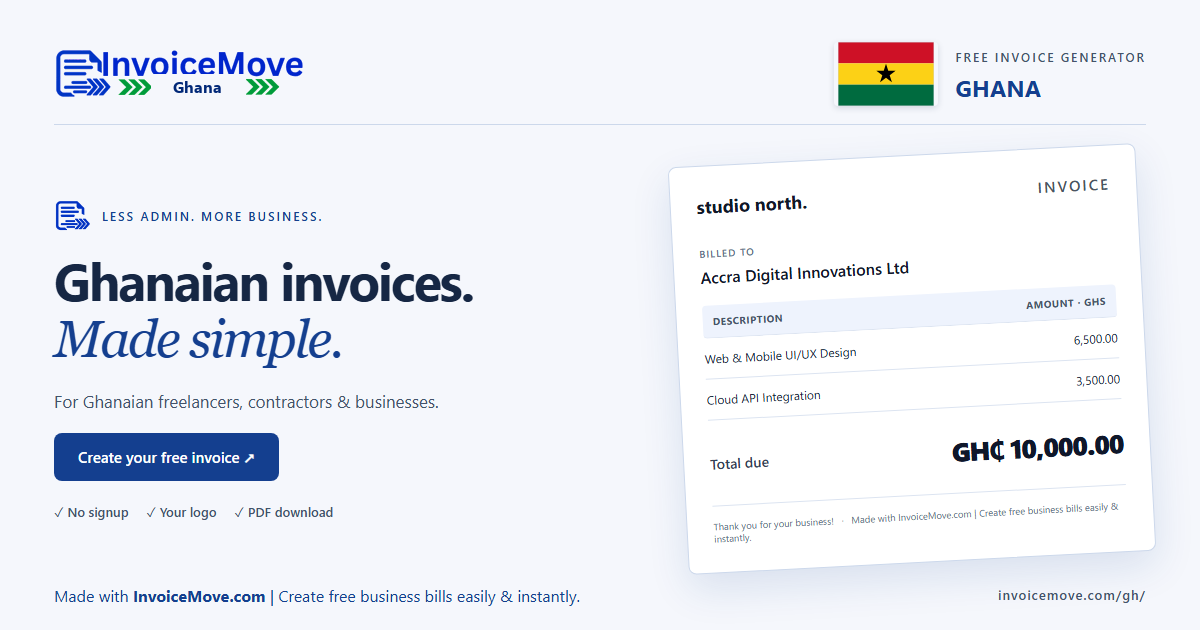
Example: Web design & digital consultancy invoice in Ghanaian Cedis (GHS)
This creates a standard commercial invoice for digital and consulting services in Ghana.
Try this sample in the editor
Invoice to Accra Digital Innovations Ltd
TIN: C0023456789
1 x Web Application & UI/UX Design @ 6500 T15%
1 x Cloud API Integration & Setup @ 3500 T15%
Due in 14 days
Notes: Payment via MTN Mobile Money (MoMo Merchant): 0244-000000 (Name: Studio North) or Bank Wire: Ecobank Ghana PLC, Silver Star Branch, A/C: 1441001234567.
The 15% standard VAT rate is calculated on taxable services. Replace the sample company, TIN, bank account, and MoMo details with your own.
Important compliance note on GRA e-VAT & Certified Invoicing Systems (CIS): Under the Ghana Revenue Authority (GRA) electronic VAT framework (e-VAT), VAT-registered businesses making taxable domestic sales are required to issue electronic fiscal tax invoices integrated with GRA's Sales Data Controller (SDC), generating an official Invoice Reference Number (IRN) and verification QR code. This generator creates commercial invoices, service billing summaries, and export pro-formas in PDF format, ideal for freelance billing, cross-border client invoices, bookkeeping, and receiving local bank transfers or MoMo payments. If your domestic business is onboarded onto GRA e-VAT, ensure you also generate your mandatory electronic fiscal invoice through your GRA-certified system.
Download a copy for your records. Drafts save in this browser, do not sync between devices, and may be lost if site data is cleared.
Ghana invoice questions
What is the difference between a Ghana Card PIN and a TIN?
In Ghana, the Ghana Revenue Authority (GRA) has integrated the National Identification Authority (NIA) database. For individuals, sole proprietors, and freelancers, your personal biometric Ghana Card PIN (formatted like GHA-XXXXXXXXX-X) serves as your official Taxpayer Identification Number (TIN). Corporate entities (limited liability companies, partnerships) are issued a dedicated Corporate TIN (starting with 'C'). You can enter either into the tax identification field.
What are the current VAT and levy rates in Ghana?
Under the Value Added Tax Act, 2025 (Act 1151) effective 2026, the standard statutory VAT rate is 15%. In addition, registered businesses subject to statutory levies charge the National Health Insurance Levy (NHIL) of 2.5% and the Ghana Education Trust Fund (GETFund) Levy of 2.5%, both calculated independently on the same taxable value (totaling 20%). The pandemic-era COVID-19 levy has been abolished. You can set the tax rate to 15% (pure VAT), 20% (combined VAT + Levies), or 0% (No Tax) depending on your tax category.
Are freelance services and digital exports to foreign clients subject to VAT?
No. Under Ghana VAT legislation, exported services (such as software development, copywriting, design, or remote IT consultancy provided to businesses outside Ghana) are zero-rated (0% VAT). If you are invoicing international clients in the US, Europe, or other countries, select "No Tax" (0%) in the editor.
How do I add Mobile Money (MoMo) payment instructions to my invoice?
You can enter your MTN MoMo Merchant ID / Agent Number, Telecel Cash (formerly Vodafone Cash), or AirtelTigo wallet number directly into the Notes or Payment details section. You can also upload a MoMo QR code so clients can scan and pay instantly from their phone.
What is the VAT registration threshold in Ghana?
For businesses supplying taxable goods, the mandatory VAT registration threshold is GHS 750,000 in annual turnover. However, providers of taxable services are required to register regardless of turnover. Businesses below the threshold or non-registered independent contractors issue standard commercial invoices without charging VAT.